• ABOUT US
    • phan-mem-mkt-care-e1667385480121.png

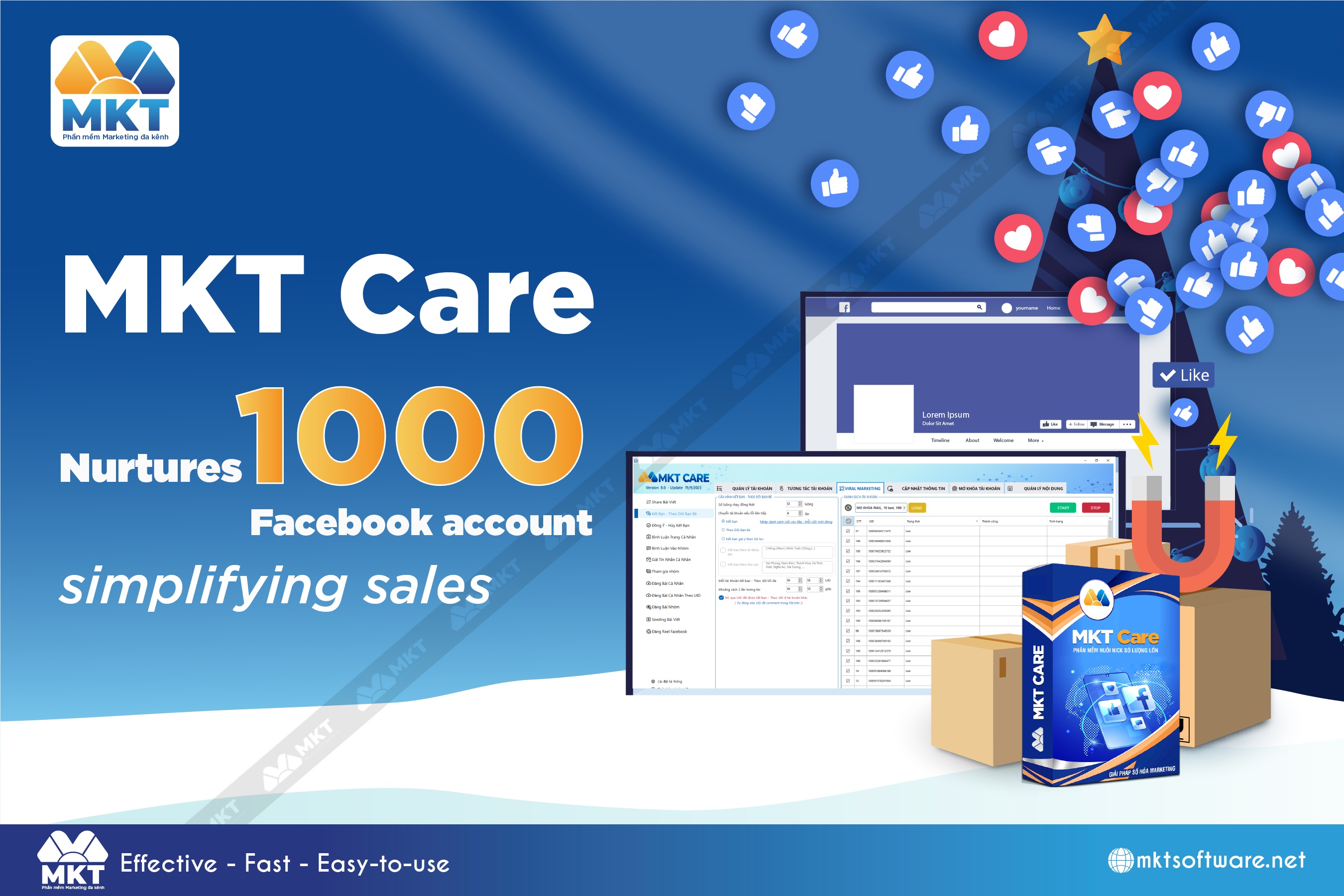
      MKT Care

      Software for automatically nurturing Facebook accounts

      7

      MKT Post

      Automatically post sales posts on Facebook

      MKT UID

      MKT UID

      Software for analyzing and synthesizing potential customer data on Facebook

      MKT TikPro

      MKT TikPro

      MKT TikPro - Automatic TikTok Nurturing Software

      6

      MKT Page

      MKT Page - Mass fanpage management software

      MKT Viral

      MKT Viral

      MKT Viral Software - Multi-Platform Viral Video

      MKT Tube

      MKT Tube

      Automatic YouTube Channel System Management Software

      10

      MKT Insta

      Instagram Advertising Software

      9

      MKT Group

      MKT Group - Specialized Facebook Group management software

      MKT X

      MKT X

      MKT Twitter - Automated Twitter sales software

      MKT WHATSAPP

      MKT WHATSAPP

      Automated WhatsApp sales software

      BOX-VIDEO-AI-recdzkz7chxta9069dar56vy6k0prg3h6iz4p2cdxy

      VIDEO AI

      Unlimited text-to-video creation with vO3 software.

  • DOWNLOAD

Instructions on how to get Facebook UID | Fanpage UID | Group UID

Facebook UID finder and get phone number from facebook uid helps customers reach a large number of potential customers.

Instructions on how to get Facebook UID | Fanpage UID | Group UID

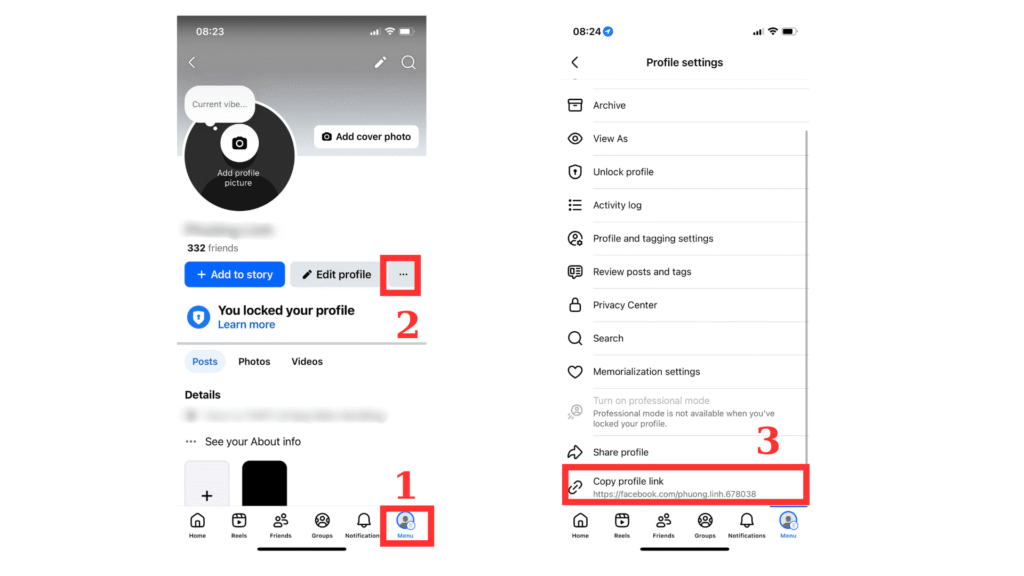
A Facebook UID (User ID) is a unique identifier for each Facebook account. You can get your UID or someone else’s by following these steps:
Open the Facebook profile in your browser and copy the URL from the address bar.
– If the link looks like facebook.com/profile.php?id=123456789, the number 123456789 is the UID.
– If the link looks like facebook.com/username, right-click on the profile page → select View Page Source. Press Ctrl+F and search for UserID to quickly find the UID in the source code.
 
 
👉 This is the manual method. To save time, simply use the Free UID Finder Tool: paste the profile link into the search box, click Find UID, and you’ll instantly get the result.
– Open your own or another user’s Facebook profile.
– Tap the three dots (⋯) in the top right corner.
– Select Copy link to profile.
– Paste the copied link into the UID finder tool: https://mktsoftware.vn/tim-fb-uid/. The tool will automatically convert the link into the user’s UID.
✅You now have the Facebook UID of that person
 
Open any Facebook Fanpage and copy its URL.
 
– If the link is in the form facebook.com/profile.php?id=0123456789, then the number is the Fanpage UID.
 
– If the link looks like facebook.com/pagename, right-click on the page → choose View Page Source. Press Ctrl+F, search for UserID, and you’ll find the UID of that Fanpage.
 
Or paste the Fanpage link into the UID Finder Tool → Find UID → get the UID instantly.
 
Open the Facebook Group → copy its URL.
 
– If the link is in the form facebook.com/groups/1234567890, the number is the Group UID.
 
– If the link looks like facebook.com/groups/groupname, right-click → View Page Source (or press Ctrl+U). Press Ctrl+F → search for groupID to quickly find the Group UID.
 
👉 Automatic way: use https://mktsoftware.vn/tim-fb-uid/ – paste the Group link into the search box and click Find UID.
 
With this guide, you can find Personal UID, Fanpage UID, and Group UID either manually or automatically using the free MKT UID Finder Tool.

TOOL TO HELP INCREASE SALES ON FACEBOOK